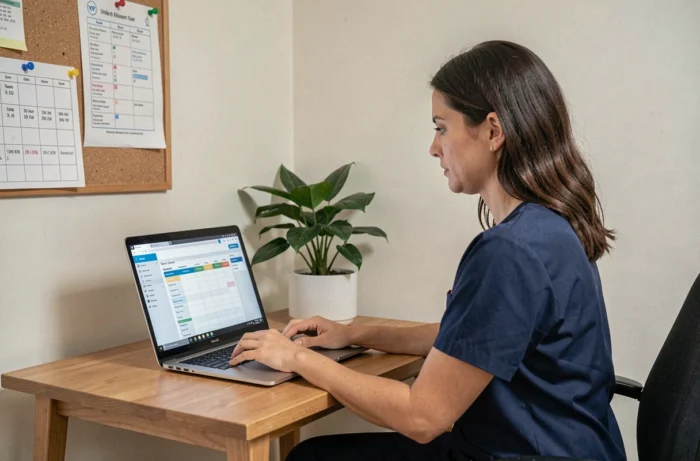
When you arrive for a shift on Monday morning and the schedule displayed on Philia does not match the information provided on Friday evening, the day starts off poorly. This discrepancy between the theoretical schedule and the reality on the ground is the first frustration reported by home care workers in the ADMR network.
Mastering the Philia ADMR software on a daily basis is not about knowing all the menus by heart; it’s about knowing how to react quickly when the tool and the field no longer align.
Philia ADMR Access Rights: Check Your Scope Before Any Manipulation
Before attempting to correct anything in Philia, we must ensure that our account grants access to the correct sectors and beneficiaries. A worker assigned to two neighboring municipalities may find themselves with limited access to only one area, making part of their schedule invisible.
The segmentation by sector in Philia has been strengthened for confidentiality reasons. Each account is limited to a specific scope. If we consult a beneficiary’s file outside our area, the information simply does not appear. Before reporting a bug, we first check with the local association that the access rights correspond to our actual shift.
Another point not to overlook: when a colleague leaves the association, their Philia access must be cut off immediately. If we take over their interventions, our own rights must be updated accordingly. Feedback from the field shows that this delay in updating is a frequent source of incomplete schedules.
There is also a tutorial for the Philia ADMR software that details this scope logic for newcomers.
Time Tracking Corrections on Philia: The Daily Routine That Secures Payroll
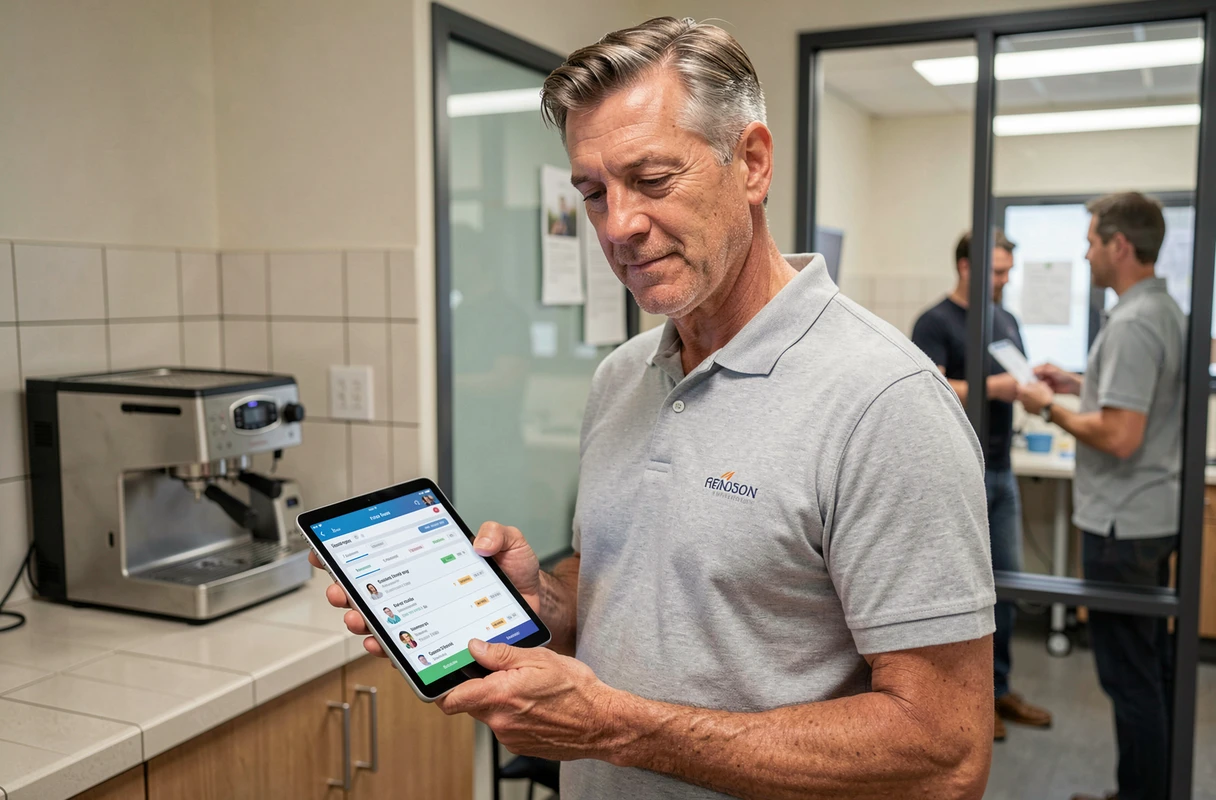
The mobile time tracking on Philia records the arrival and departure times for each beneficiary. In theory, everything is automatic. In practice, discrepancies accumulate quickly: forgetting to clock in upon arrival, unstable mobile network, prolonged intervention not updated.
Check Your Time Entries Every Evening
The best practice is to check your time entries at the end of the day, not at the end of the week. Each modification must be timestamped and tracked in the system. A time entry corrected on the same day is rarely contested; a time entry modified five days later can pose problems during the hour count.
Specifically, we open the day’s history on Philia and compare it with our personal notes (actual arrival time, effective duration). If a discrepancy appears, we report it through the channel provided by the association, usually the internal Philia messaging system.
What the Philia Software Does Not Automatically Check
Philia records raw data. The tool does not automatically detect that a 45-minute intervention actually lasted an hour and fifteen minutes because the beneficiary needed additional support. It is up to the worker to report the discrepancy so that the sector manager can adjust the schedule and the payroll reflects the actual work.
- Check each evening that the recorded hours correspond to the interventions performed
- Report any discrepancies via the internal Philia messaging system, not by SMS or WhatsApp
- Keep a personal record (notebook, screenshot) of actual times in case of disputes
Internal Philia Messaging and Beneficiary Data Confidentiality
We all have the reflex to send a quick SMS to a colleague to inform them of a schedule change or report a problem with a beneficiary. From a regulatory standpoint, this habit poses a real issue. Information related to beneficiaries (health status, observations, contact details) must not be transmitted through unsecured channels.
The internal messaging system of Philia is the only compliant channel for exchanging information related to interventions. WhatsApp, SMS, and personal emails do not guarantee traceability or data protection under GDPR. Using Philia also protects oneself: in case of an audit or complaint, internal exchanges are timestamped and archived.
Feedback varies on this point among associations. Some still tolerate SMS for logistical emergencies (delays, lost keys), but the trend is clear: everything concerning the beneficiary must remain within Philia.

Philia User Committee: The Underutilized Lever for Reporting Issues
In associations where Philia works best on a daily basis, a common factor emerges: a user committee meets regularly to report anomalies. This is not just another meeting; it is a short circuit between the field and the people who configure the tool.
The principle is simple. A group of workers and supervisors tests developments before general deployment, reports recurring bugs, and proposes configuration adjustments. Without this relay, problems trickle in, often too late to be corrected before payroll closure.
- Identify two or three willing workers per sector to form the committee
- Set a short frequency (every two to three weeks) to address feedback
- Document each reported anomaly with a screenshot and the context of the intervention
- Test updates to Philia on a restricted scope before applying them to the entire association
This approach reduces scheduling errors and accelerates the skill development of teams on the digital platform. Home care quality improves when the intervention management tool is reliable.
Mastering Philia on a daily basis ultimately relies on three habits: checking your access rights with each shift change, controlling your time entries every evening, and using the internal messaging system exclusively for exchanges related to beneficiaries. The rest is practice, and an active user committee to ensure that field feedback does not go unheard.